
Client
Each PC shows the games you pin, then locks when the paid time ends. The end time lives on the server, so a dropped network does not freeze the clock. After each use it cleans itself and logs the player out of apps.
Features
The client on each PC, the server for the floor, and a phone app for members.
Each PC shows the games you pin, then locks when the paid time ends. The end time lives on the server, so a dropped network does not freeze the clock. After each use it cleans itself and logs the player out of apps.
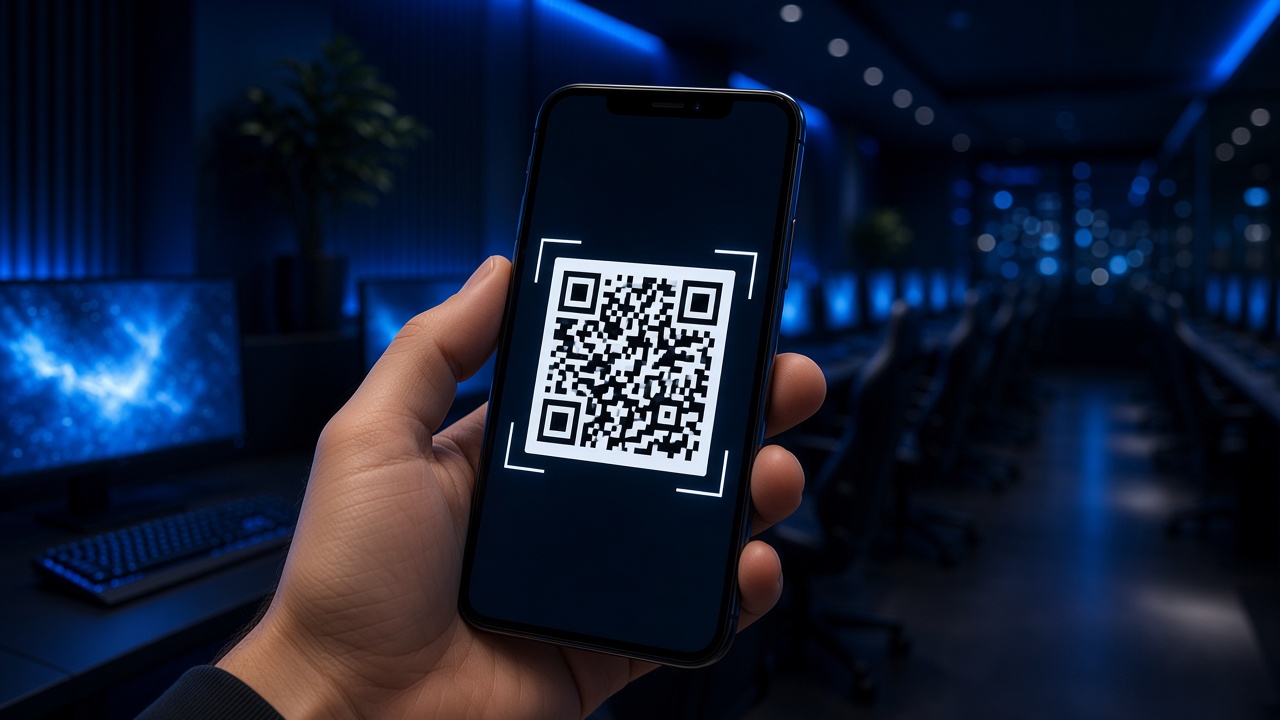
Upload a QR code for your customers. It shows on the client while they are at the PC.
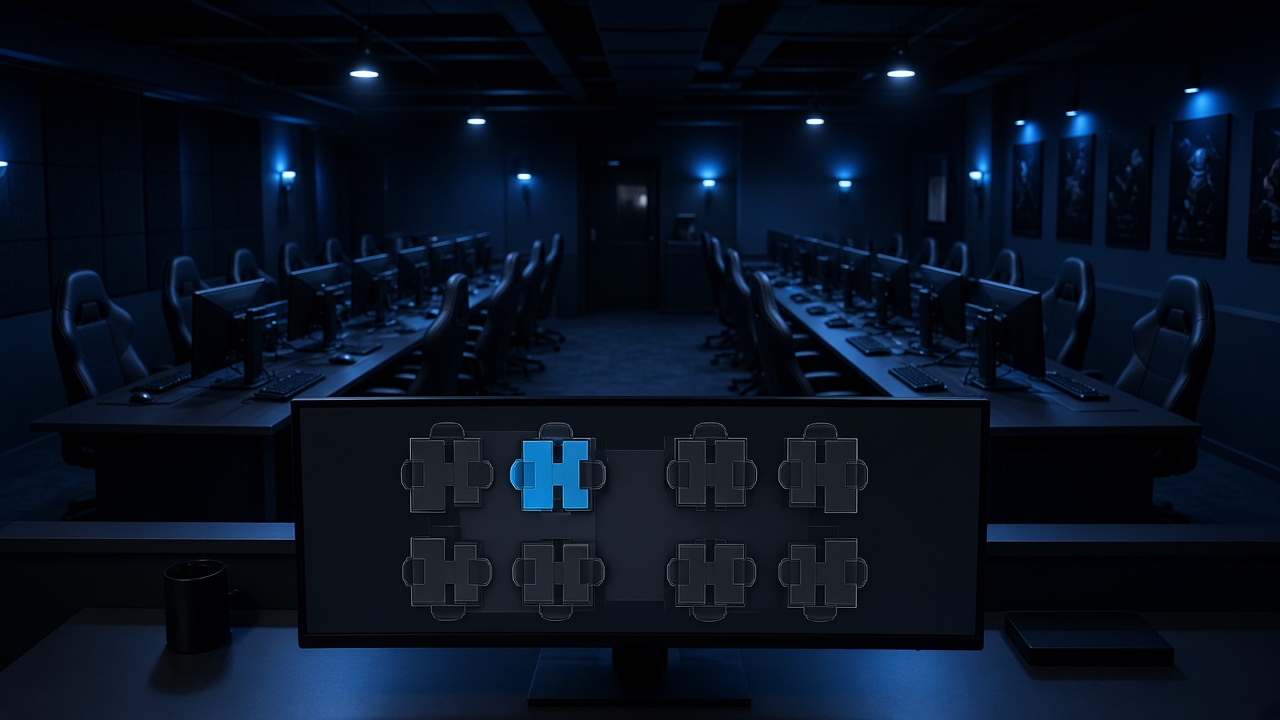
See every PC. Start a session, lock a PC, or send a message. Control that PC’s screen, then turn it on, restart it, put it to sleep, or shut it down.
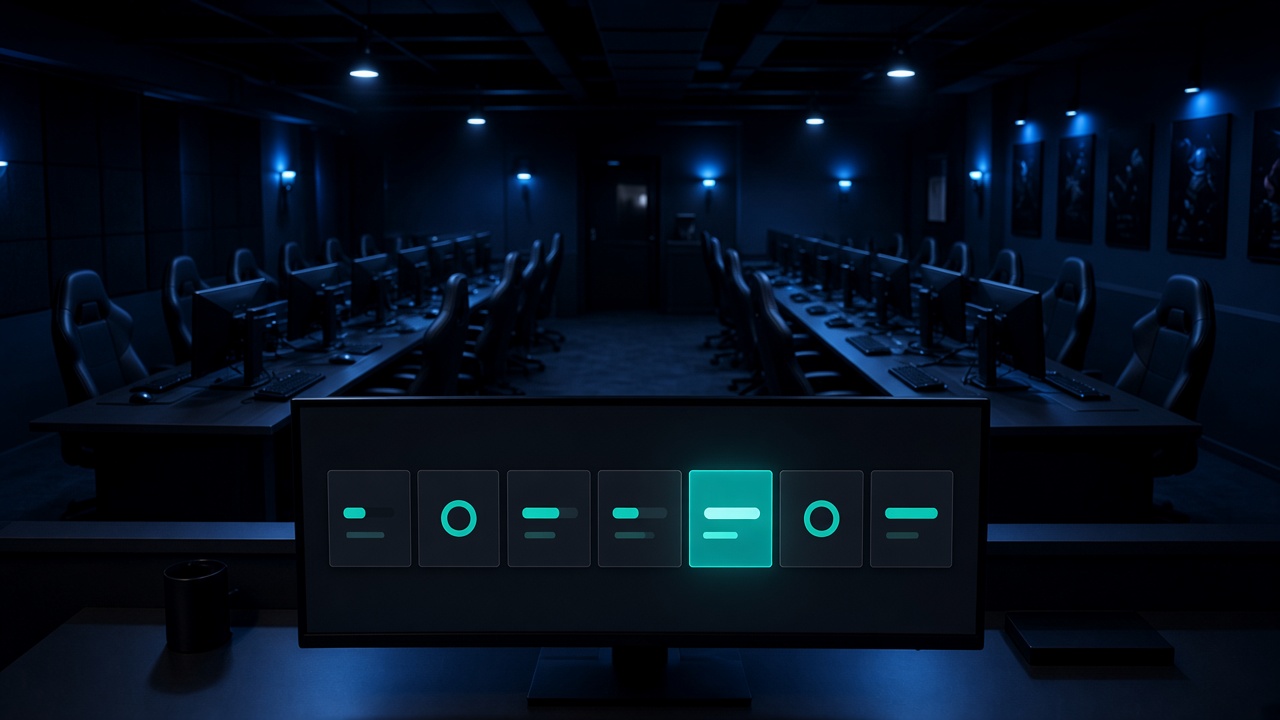
Update the client on the PCs from the server. One click sends the new version.
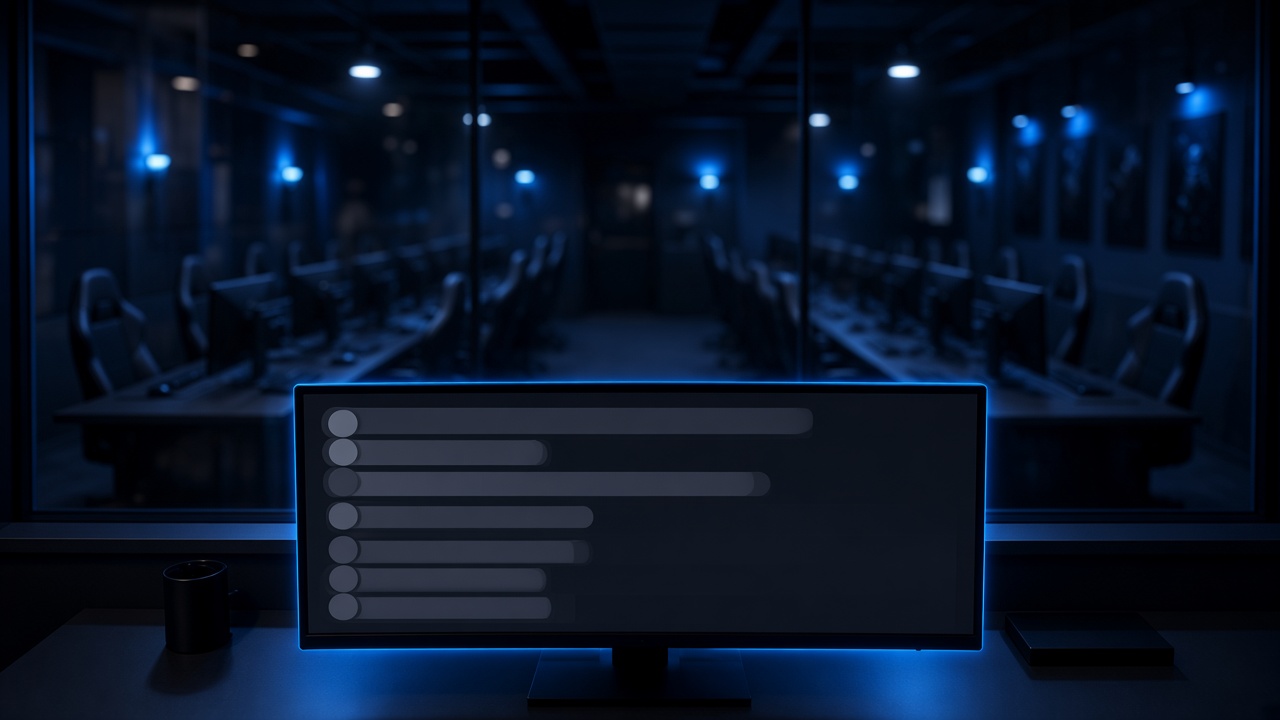
Every PC logs what it is doing, so you can see it from the server.
When an app is uninstalled, you can see who was signed in on that PC.
See what is running on each PC, end a process, and run a command on that PC from the server.
Set the open and close to whatever hours the shop uses, including a night that passes midnight.
You set the price and how many minutes the pack sells. That is the whole pack.
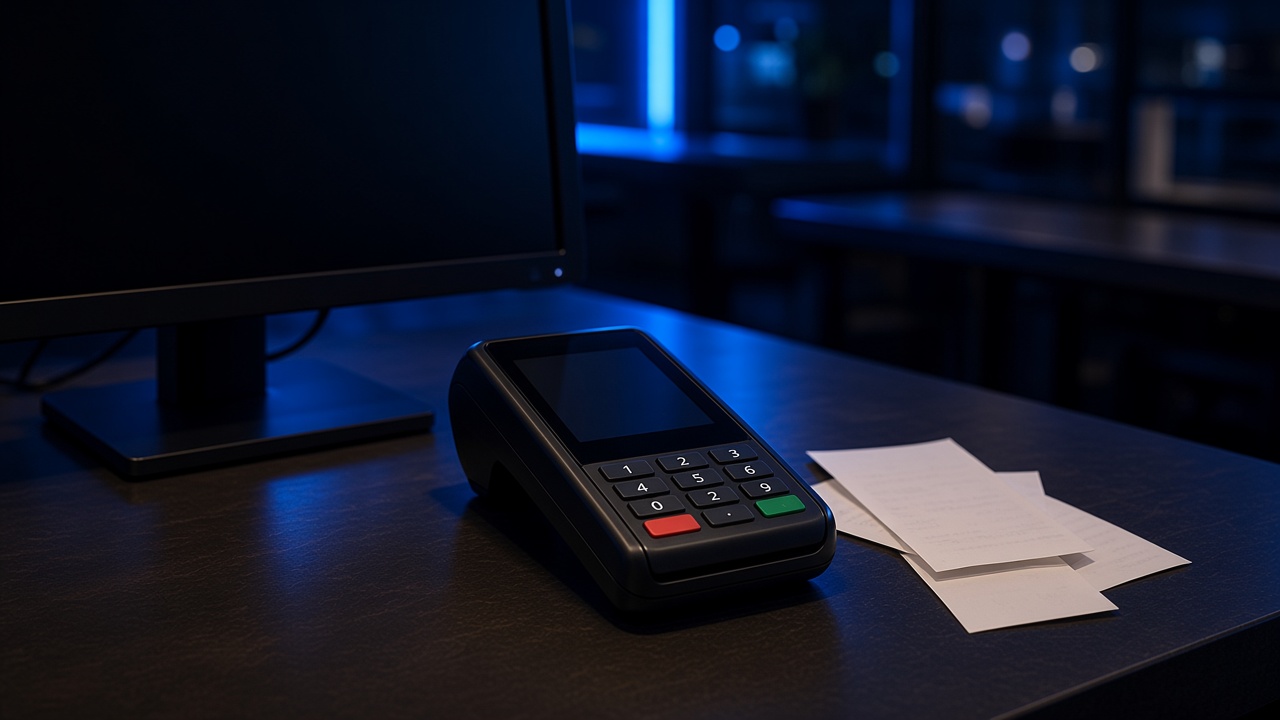
Sell time at the desk and take the payment there. The sale stays on the user who was signed in.
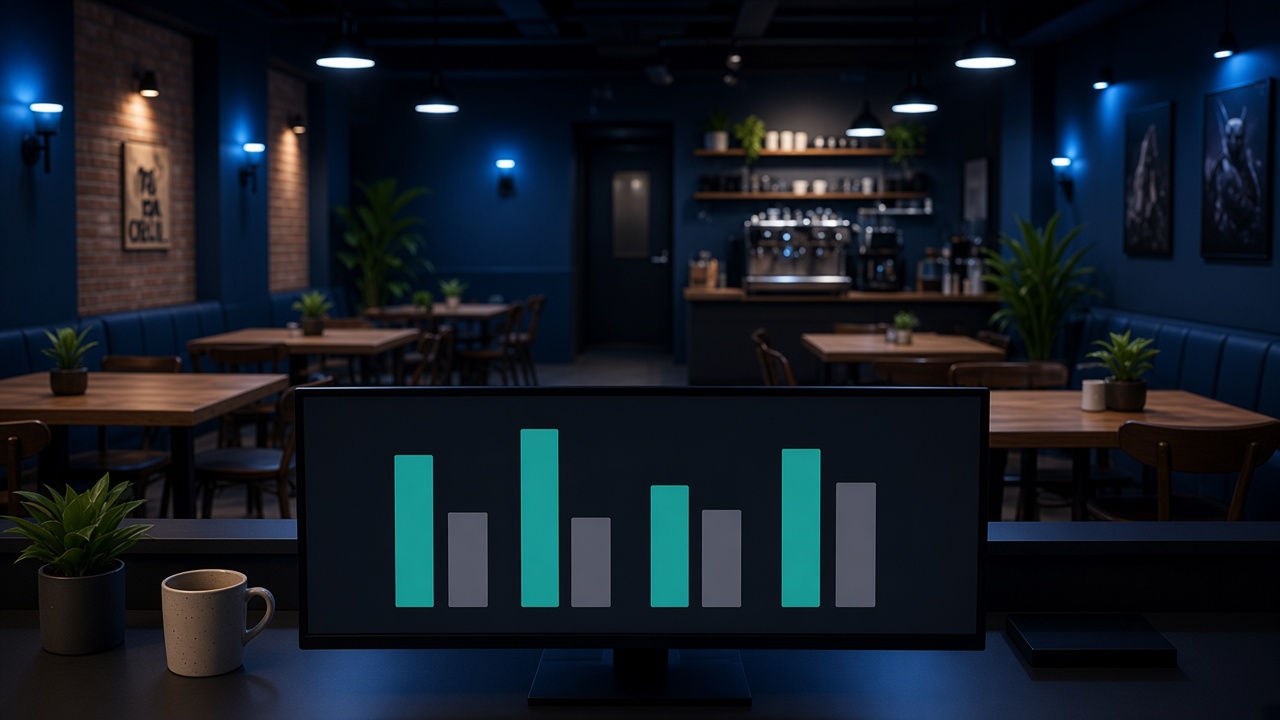
Reports follow the shop day you set, including nights that pass midnight.
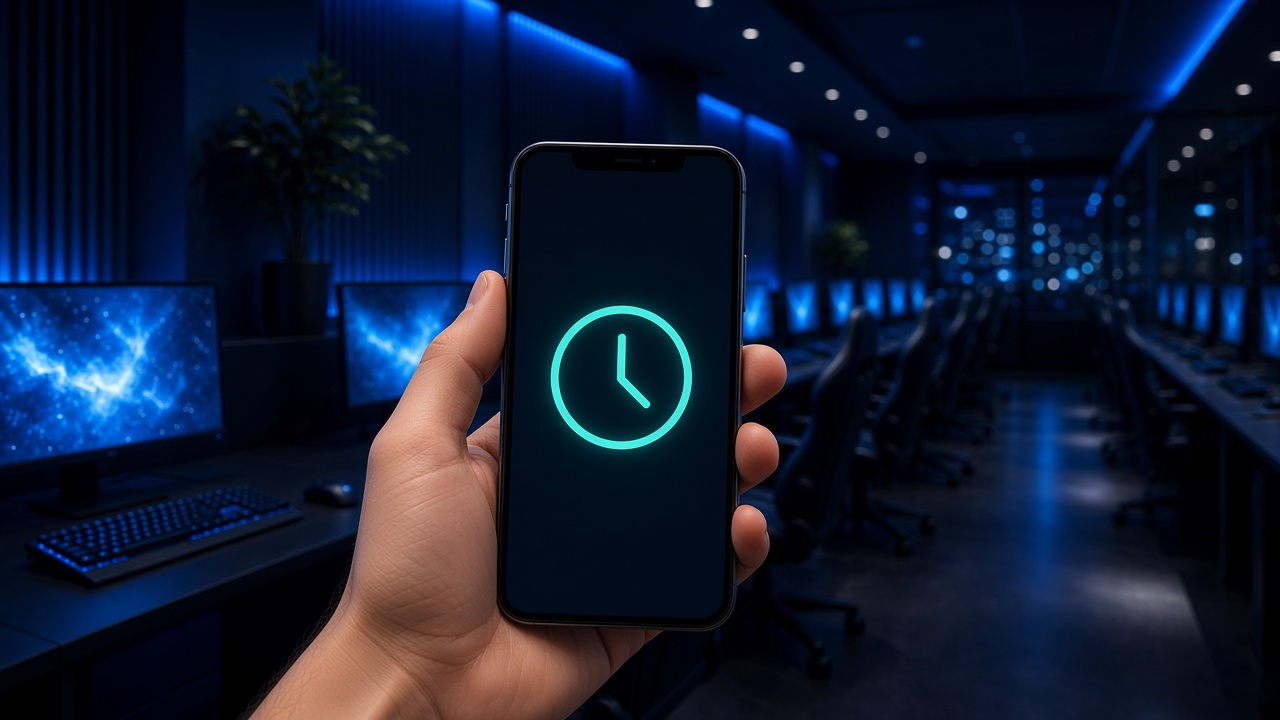
Members check their time, book a seat, and redeem a promo. An admin can open the floor and the reports. Players sign in at Your account.